

Best Canva Course
Looking for the best Canva course?
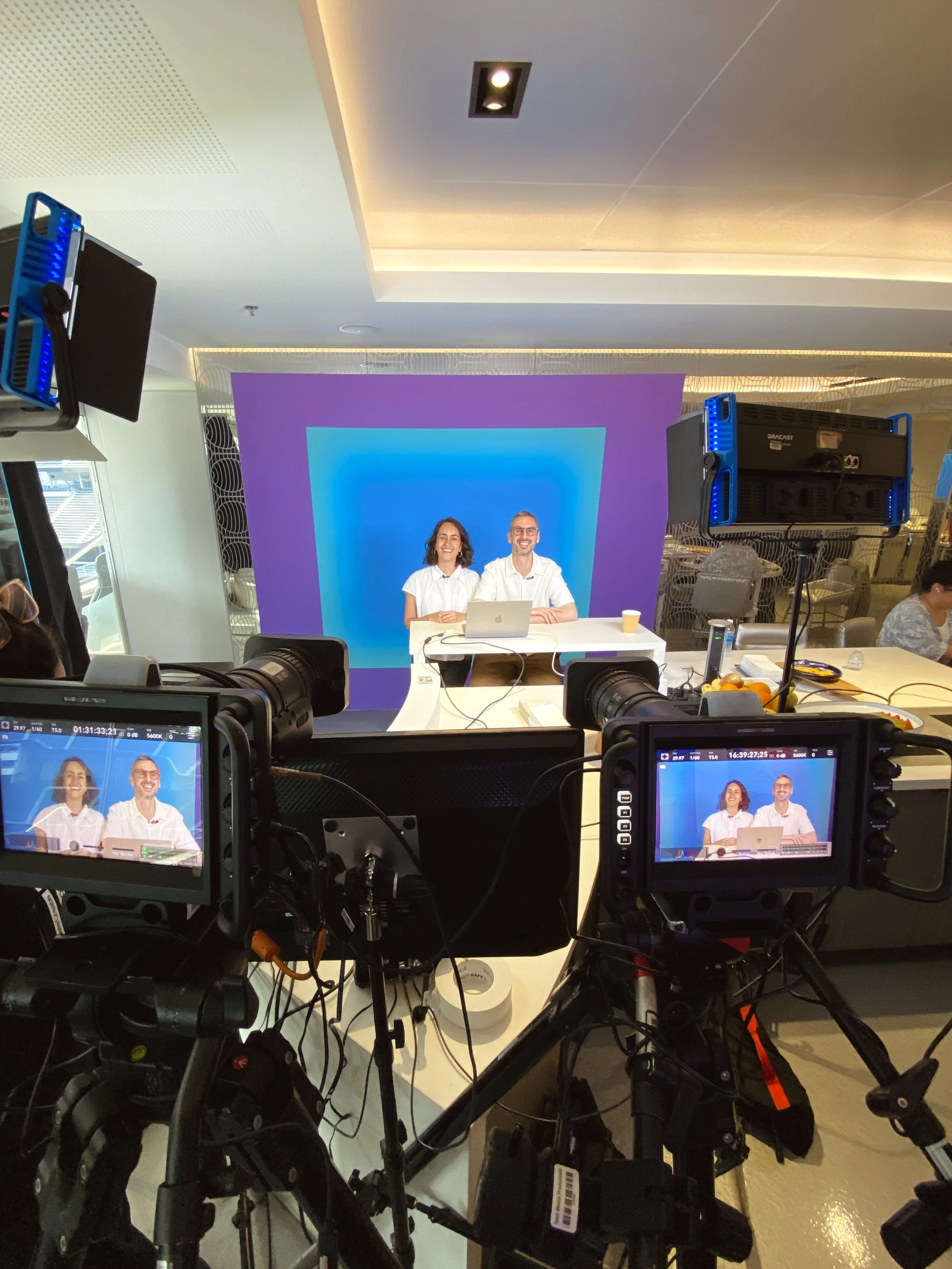
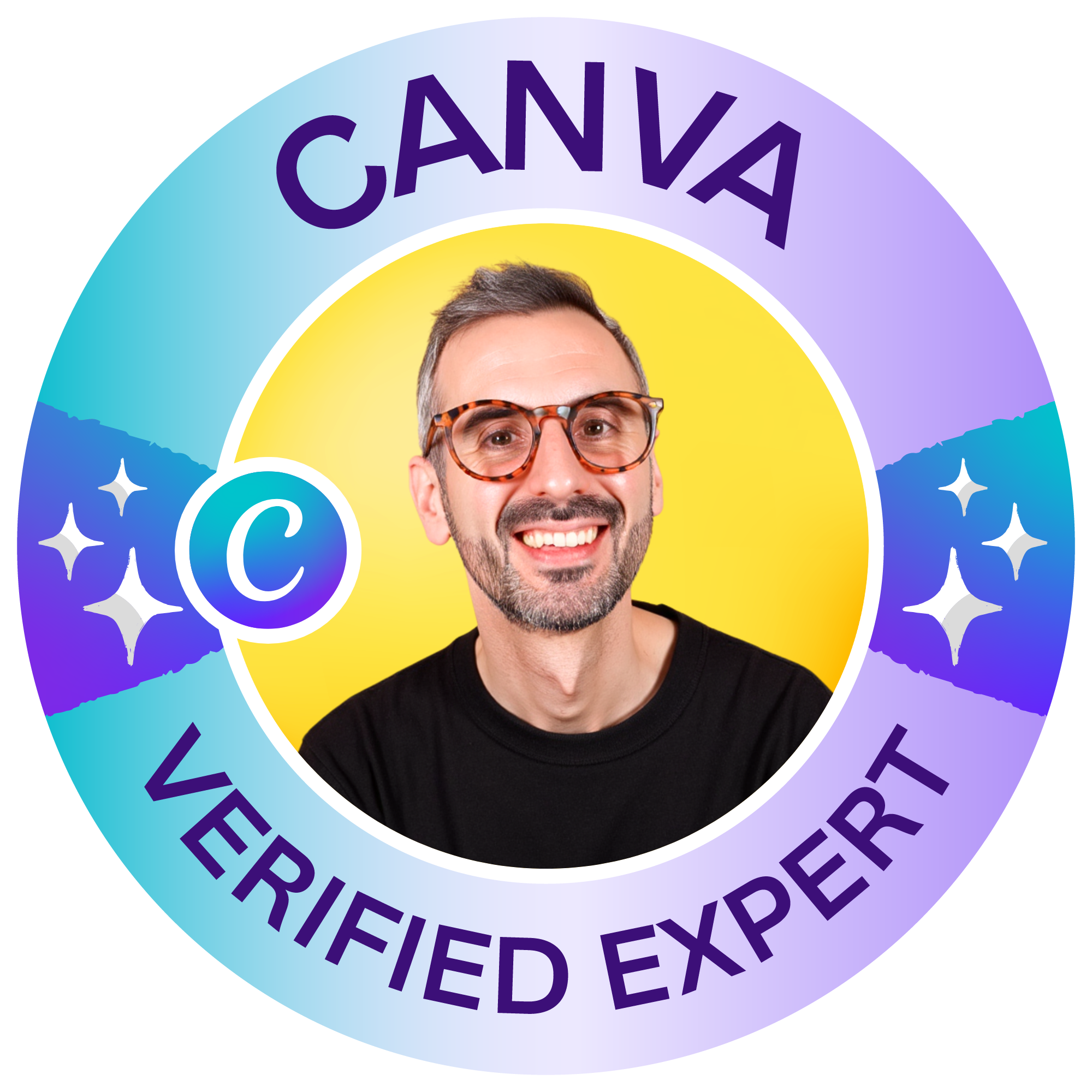
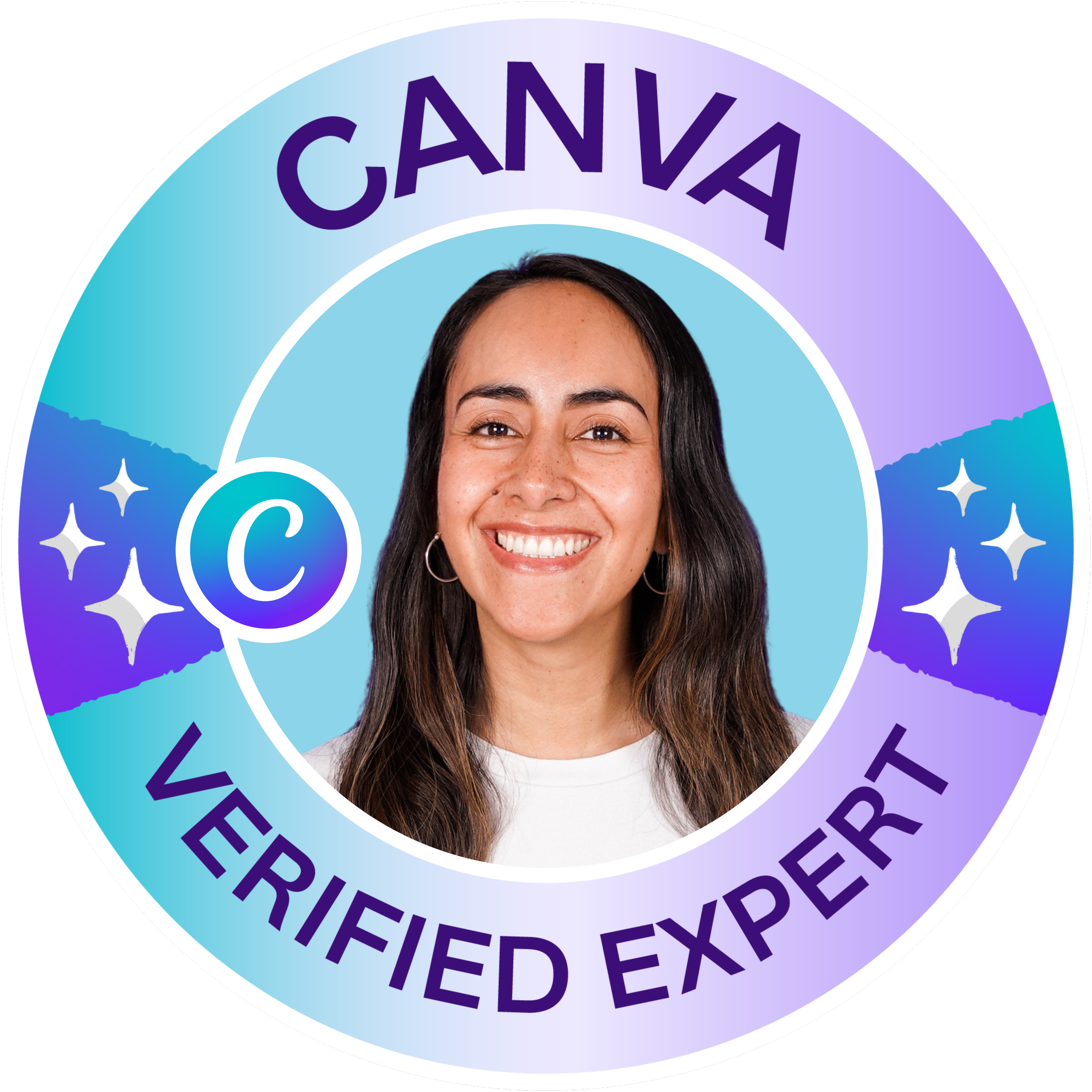
Learn from Ronny and Diana, two of the most trusted Canva educators online.
We created the Canva Master Course for people who want more than random Canva tips. Inside, we guide you from the fundamentals into branding, content creation, presentations, websites, video, Canva Code, and the most useful AI workflows inside Canva today.
Beginner-friendly, but built to take you further.
4.5
course Rating
85K+
Students
16K
ReviewsA practical Canva learning path for anyone serious about building real Canva skills.
Why we believe this is one of the best Canva courses
There is no shortage of Canva content online.
The problem is that most of it teaches one trick here, one feature there, and leaves you to connect the dots on your own.
We built this course to be different.
The Canva Master Course gives you a clear path through Canva, so you can understand the platform, improve your design skills, and create better work across real projects.
You will not just learn where things are. You will learn how to use Canva with more clarity, confidence, and purpose.
To us, that is what makes one of the best Canva courses: not just isolated features, but real workflows you can keep using long after the lesson ends.
Who this course is for
Learn Canva in one clear, structured path.
Whether you are just starting with Canva or already using it and ready to level up, this course helps you build real skills, work faster, and use the platform with more confidence.
✅ New Canva users who feel overwhelmed and want a clear place to start
✅ Existing Canva users who are tired of making average designs and want to level up
✅ Content creators who need faster workflows for posts, presentations, and visual content
✅ Freelancers and small business owners who want a more consistent brand without hiring extra help
✅ Professionals who need better looking work materials, from slides and documents to video and websites
✅ AI curious users who want to explore Canva AI without skipping the fundamentals
Beginner-friendly, yes. Beginner only, no.
What you will learn in this Canva Master Course
Inside, we guide you through the parts of Canva that matter most in real life, from solid fundamentals and strong branding to social media design, presentations, websites, video, Canva Code, and the latest AI powered workflows.
Fundamentals
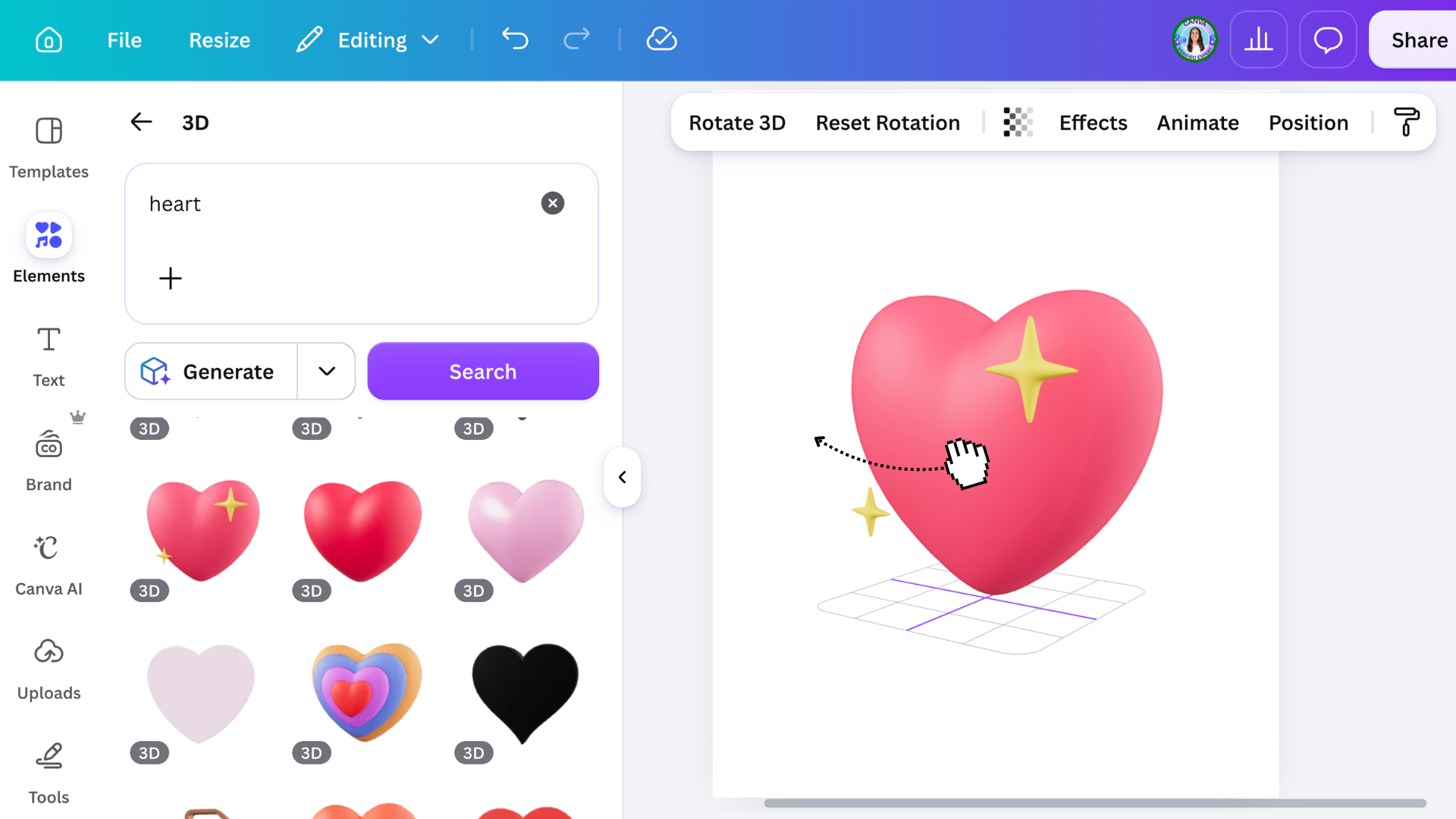
Get the foundations right with the Canva editor, templates, text, images, color, layout, and publishing, because everything starts here.
Branding
Create a brand that feels consistent, with logos, colors, fonts, and reusable assets that make your visuals look more intentional.
Content creation
Create real world content like social posts, presentations, videos, and visuals you can actually use in your business or projects.
Canva AI
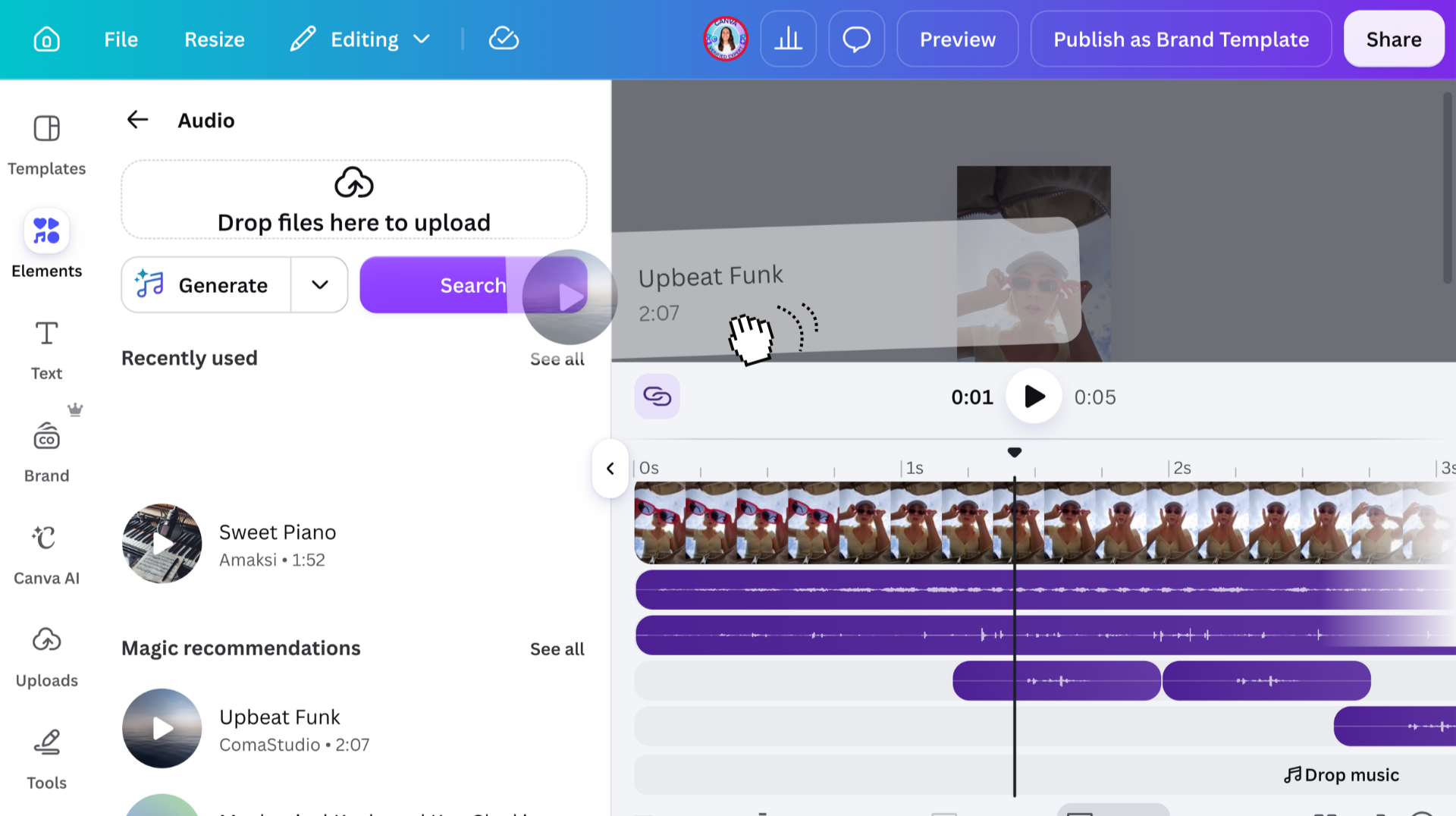
Learn the new AI side of Canva, from generating images, videos, code, all in one conversation that help you go from idea to execution.
Business use
Use Canva for work and learn to design websites, documents, whiteboards, sheets, all while collaborating with your team.
Advanced tools
Unlock more of Canva with apps, Connectors, and advanced workflows for working smarter inside the platform.

Meet Your Instructors
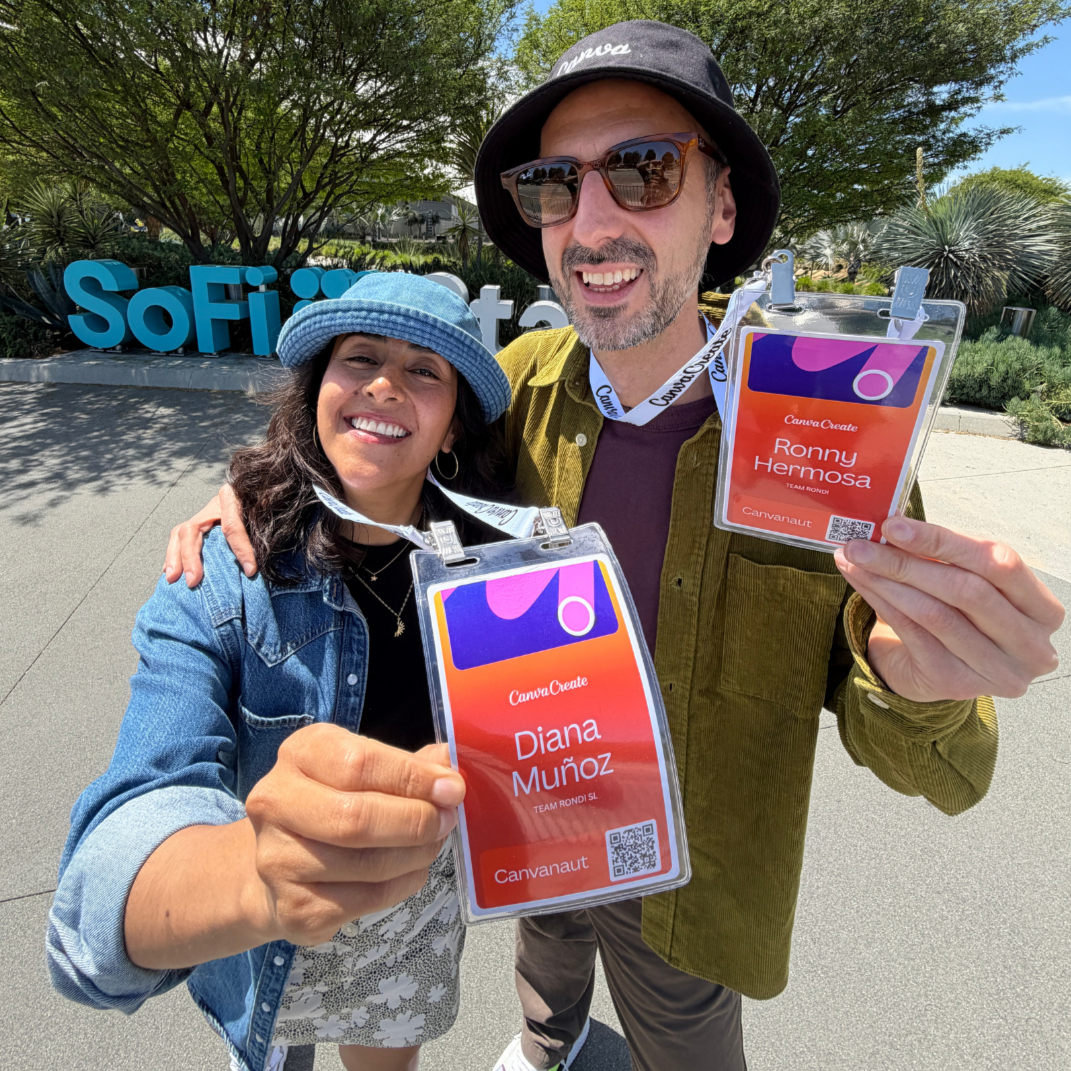
Learn Canva from two Canva Verified Experts
We’re Ronny and Diana from Team RonDi, both Canva Verified Experts and part of a small handpicked group recognized by Canva as leaders in its global educator community.
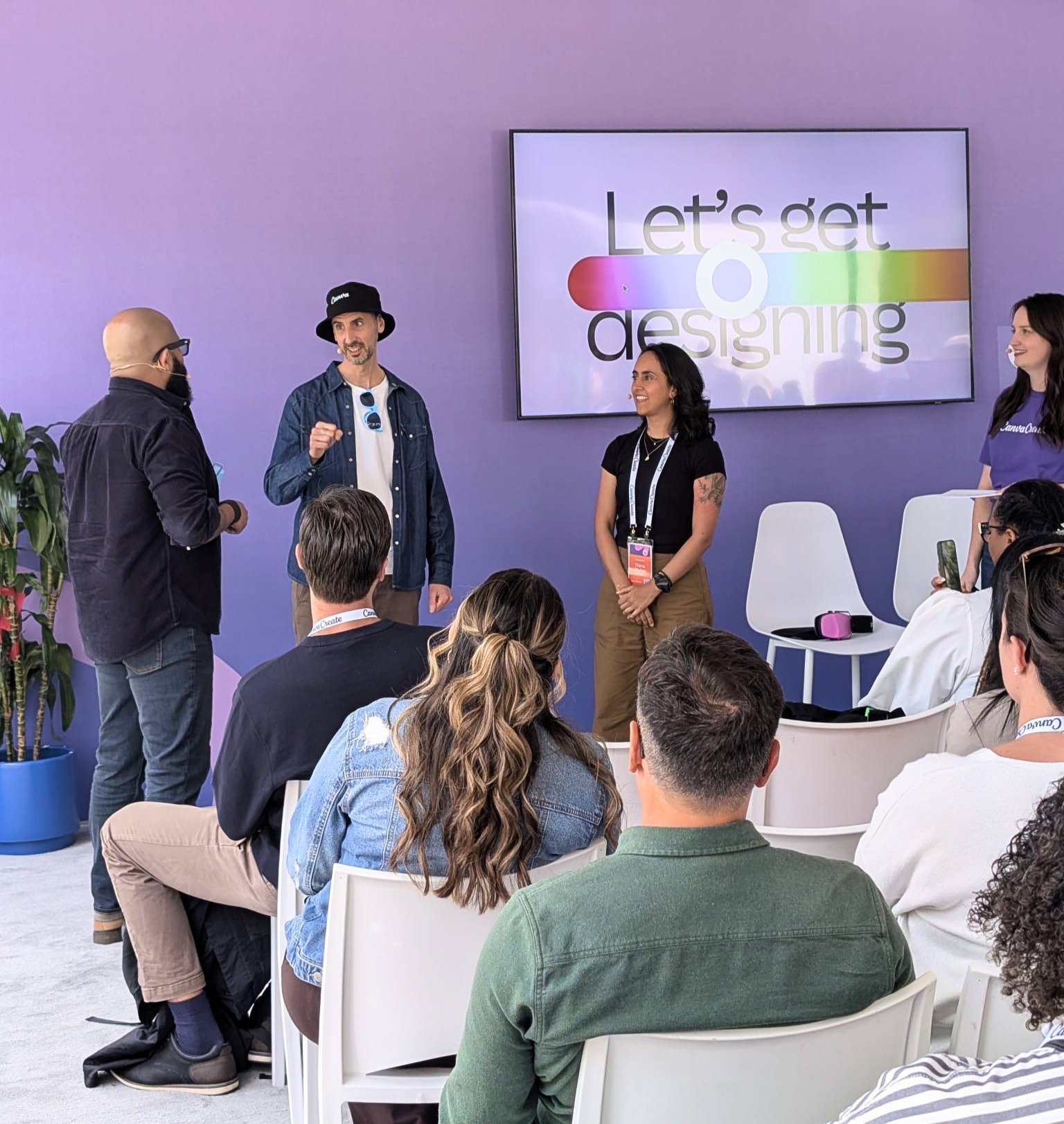
Our connection to Canva goes beyond the Verified Experts program. Ronny spent two years working at Canva’s headquarters in Sydney, including roles as a Community Specialist and in Community Education with the Design School team. Today, we continue to work closely with Canva through early feature testing, feedback initiatives, workshops, and major events like Canva Create.
With more than 1,100 Canva tutorials and a YouTube community of over 575K subscribers, we combine insider knowledge with years of hands-on teaching experience to help people like you get the most out of Canva as it continues to evolve.



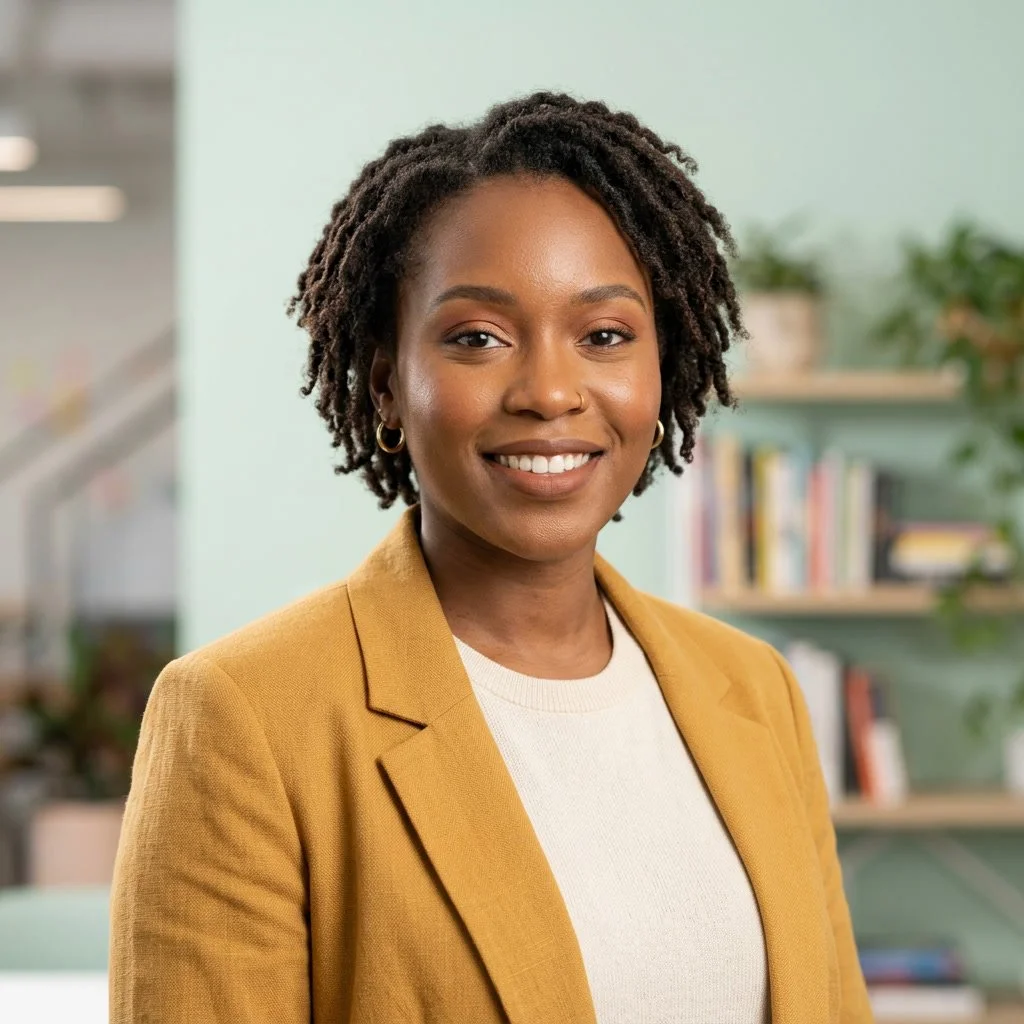
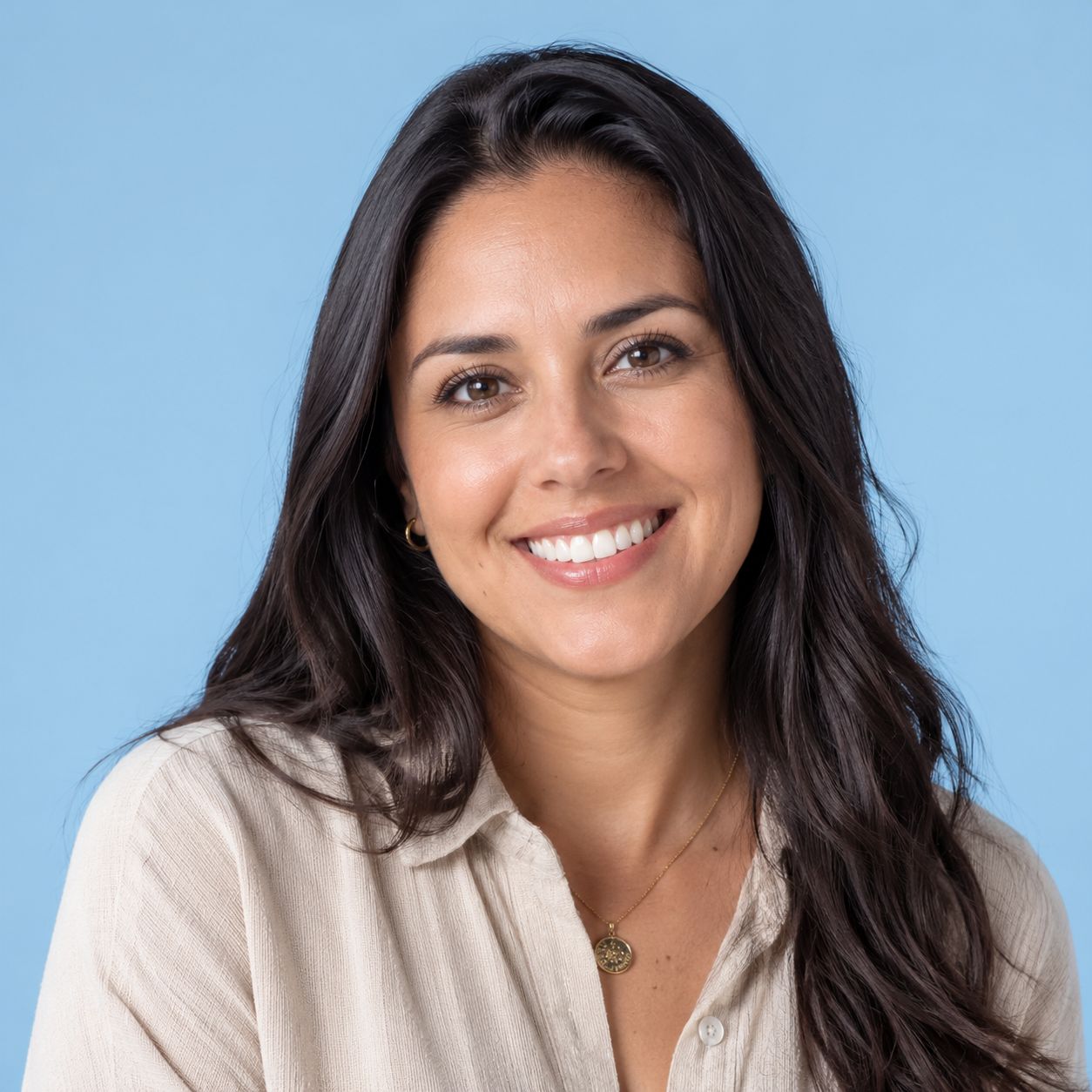

Our students regularly describe our course as clear, practical, easy to follow, and genuinely useful for real work.

Why this course works for both
beginners and growing users
One reason people struggle to find the best Canva course is that many courses are either too basic or too scattered.
They are either made for total beginners and stop just when things get interesting, or they assume you already know your way around the platform and move too fast.
We built this course to sit in that sweet spot.
If you are just getting started, you will find a clear path, a strong foundation, and step-by-step guidance that helps Canva feel much less overwhelming.
If you already know the basics, this course gives you space to go further and use Canva in a bigger, smarter way across branding, content, presentations, websites, video, and AI.
That balance is a big part of why so many different types of learners find this course useful.
Ready to learn Canva with one of the best Canva courses available today?
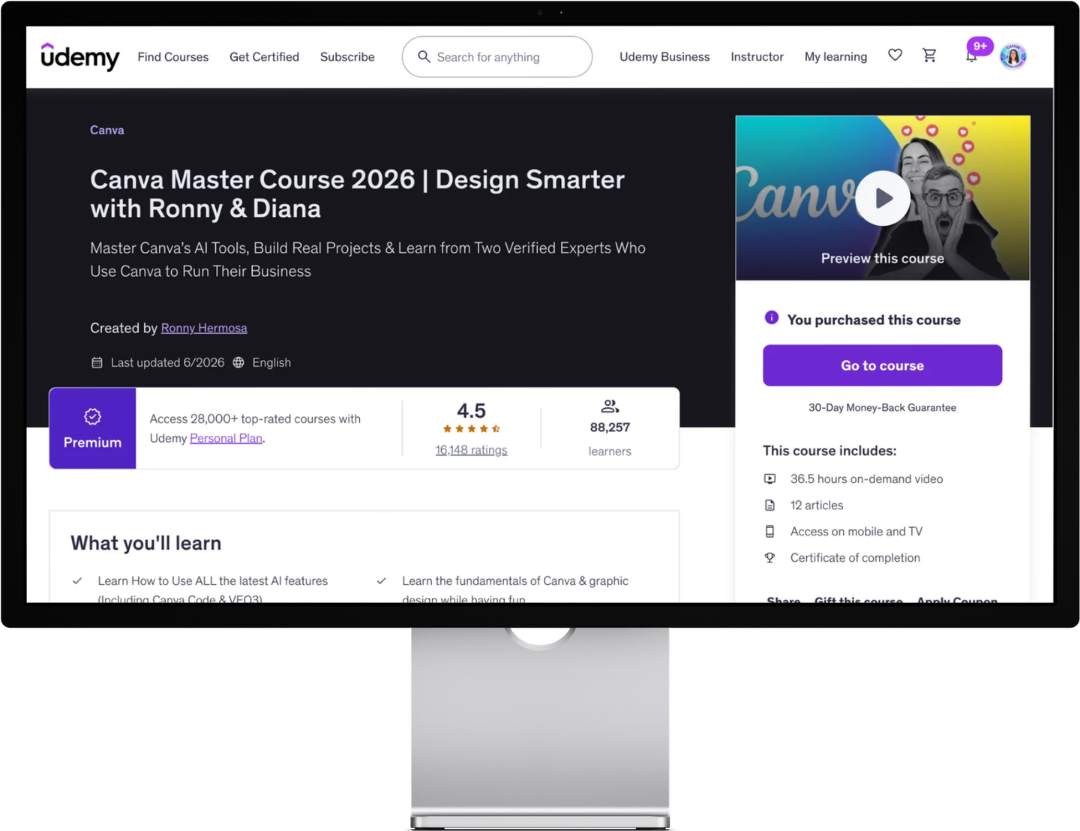
This course was built for people who want more than random tips.
It gives you a practical, structured way to learn Canva from the basics into real-life projects, with guidance from two Canva Verified Experts who genuinely know the platform.
✅ Learn the fundamentals.
✅ Build better design habits.
✅ Explore the AI tools that matter.
✅ Create work you are proud of.
✅ And do it with a course that gives you more than random tips.
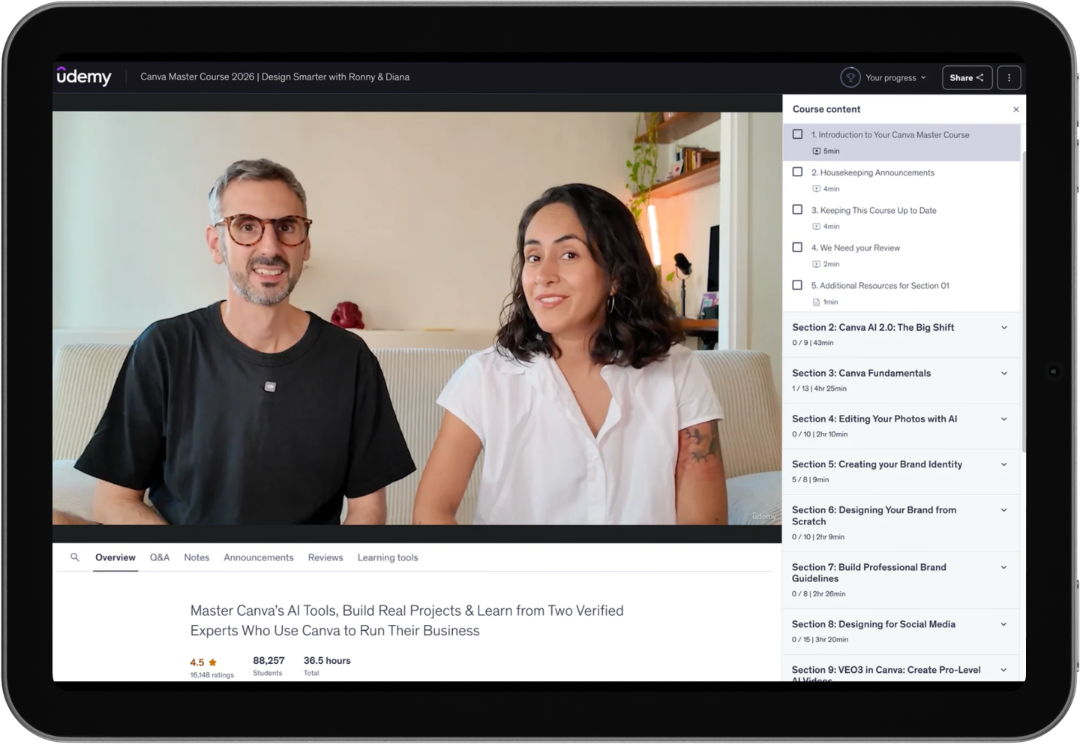
A structured Canva learning path for beginners and growing users alike.
Join our email list
Want to hear when the course is on offer or when we publish new Canva trainings?
Frequently Asked Questions
-
We might be slightly biased, but yes, we do think it is a very strong option for beginners. We designed it to be beginner-friendly, with a clear structure that helps you build confidence step by step instead of feeling lost in the platform.
-
No. It starts with the basics, but it also goes much further into branding, social media design, presentations, websites, video, Canva Code, and practical AI workflows. That is part of what makes it a strong option for people looking for the best Canva course overall, not just the best Canva course for total beginners.
-
Yes. We cover Canva AI throughout the course, including practical ways to use it for images, video, and other real projects inside Canva. The goal is not just to show you what the tools do, but to help you use them in ways that actually make your work easier and better.
-
We do. We are Ronny and Diana from Team RonDi, and we are both Canva Verified Experts. Our approach is rooted in practical use, high standards, and a real desire to help people create better work with more confidence. And yes, have some fun while we’re at it.
-
We believe a great Canva course should do more than explain a few features. It should give you a structured path, help you build real skills, and show you how to use Canva across actual projects. That is exactly how this course was built. It combines fundamentals, branding, content creation, presentations, websites, video, Canva Code, and practical AI workflows in one broad learning path.
-
Free Canva tutorials are great when you need help with one specific thing. We make them too, and they absolutely have their place.
But if you want to really learn Canva, constantly jumping from one video to the next can get messy fast. A structured course gives you a clearer path, helps you build stronger foundations, and makes it much easier to understand how everything fits together.
So it is not really about free versus paid. It is about whether you want a quick answer or a fuller learning experience.
-
You will be better equipped to create brand assets, social media content, presentations, videos, websites, documents, and other visual materials in Canva. More importantly, you will understand the platform better and feel more confident using it.
-
Because we do not just teach Canva, we use it every day in our own work, and we are both Canva Verified Experts. Over the years, we have taught thousands of students, tested countless workflows, and built this course around what is actually useful, not just what sounds impressive. We care a lot about clarity, quality, and helping people create better work with more confidence.
-
Ronny and Diana are Canva Verified Experts and educators behind Team RonDi. With 1,100+ Canva tutorials, 575K+ YouTube subscribers, and Ronny’s experience working at Canva’s headquarters in Sydney, they offer expert guidance grounded in both deep platform knowledge and years of teaching experience.